Objective
This article will give a very high level description on various forms on a SharePoint list.
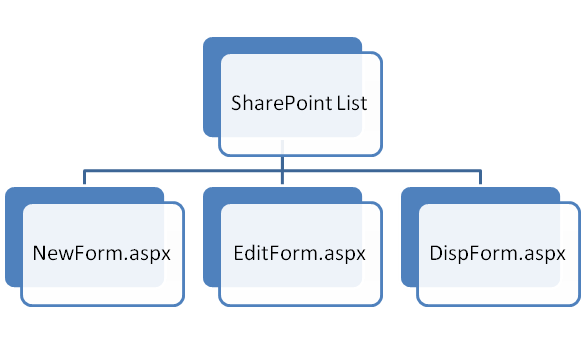
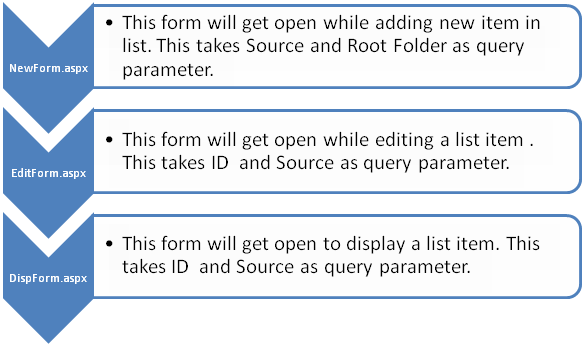
When we create a new custom list in SharePoint, SharePoint creates three forms (*.aspx) for the custom list. In fact for all list these forms are provided by SharePoint.
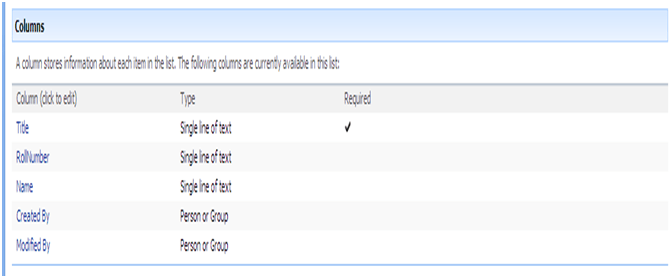
Let us say, there is a list called TestList in your SharePoint site. Columns of list are as follows;
Adding New Item
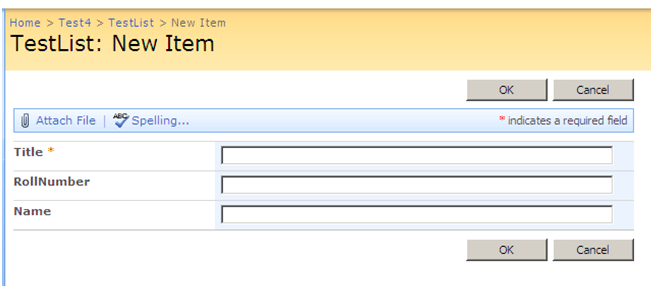
Now when you add new item in the list, NewForm.aspx will get open. You can see the below URL in your browser while adding new item in the list.
There are two query parameters,
- RootFolder: This parameter defines, in which folder Item will get saved.
- Source: This parameter defines after completion of action where to navigate.
Note: More on these two parameters in next articles.
Editing Existing Item
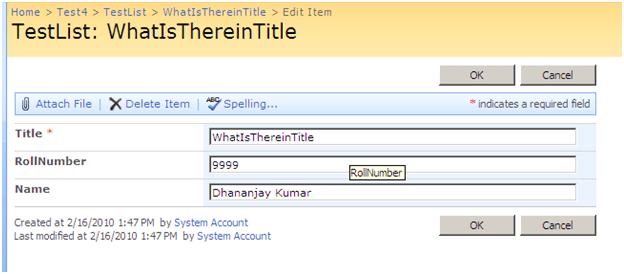
Now when you edit existing item in the list, EditForm.aspx will get open. You can see the below URL in your browser while editing existing item in the list.
There are two query parameters,
-
ID: This parameter takes id of the item in list to be edited. If you pass ID which does not exist in the list, SharePoint will throw you below error.
| No item exists at http://c849uss:9722/sites/Test1/Test4/Lists/TestList/EditForm.aspx?ID=300&Source=http://c849uss:9722/sites/Test1/Test4/Lists/TestList/AllItems.aspx. It may have been deleted or renamed by another user.Web Parts Maintenance Page: If you have permission, you can use this page to temporarily close Web Parts or remove personal settings. For more information, contact your site administrator. |
-
Source: This parameter defines after completion of action where to navigate.
Displaying Existing Item
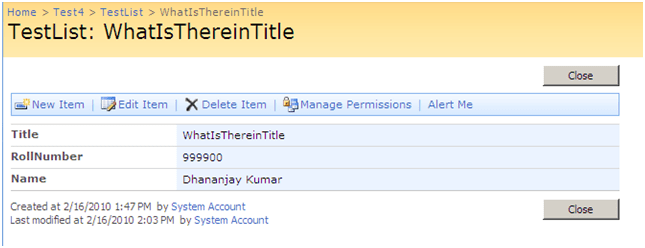
Now when you display existing item in the list, DispForm.aspx will get open. You can see the below URL in your browser while editing existing item in the list.
There are two query parameters,
- ID: This parameter takes id of the item in list to be displayed.
-
Source: This parameter defines after completion of action where to navigate.
Discover more from Dhananjay Kumar
Subscribe to get the latest posts sent to your email.
 Dhananjay Kumar
One thought on “Forms on SharePoint lists”