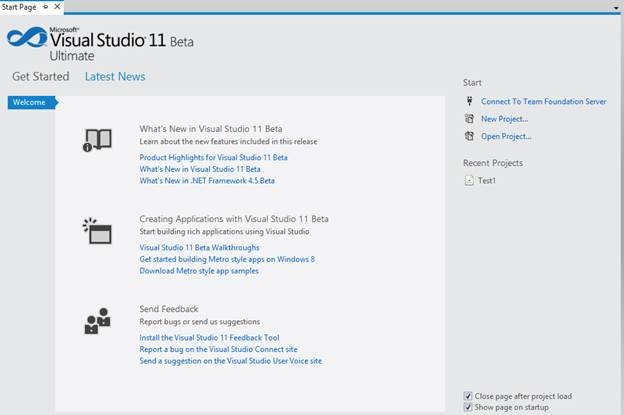
Just after next day of launching I installed Windows 8 Consumer Preview and VS1 Beta. And yes exactly like you, I were excited. After installation VS11 Beta looks like below,
After installation I was tempted to create Metro Application. So I browsed to create new project and found below installed project templates.
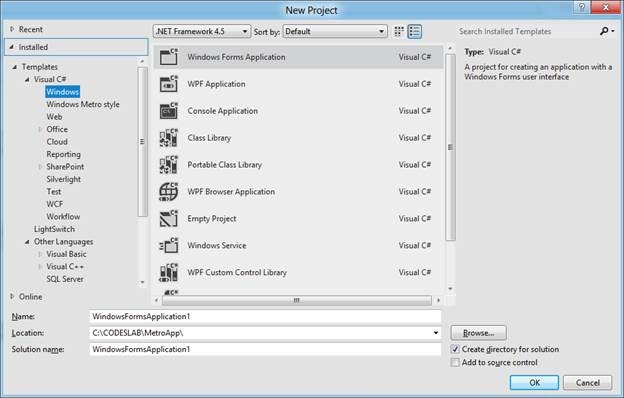
So essentially it got all the templates from VS2010 with addition of installed templates to create Metro applications. When first time I launched VS11, I set default language as C Sharp that is why you see Visual C# as first language in above image.
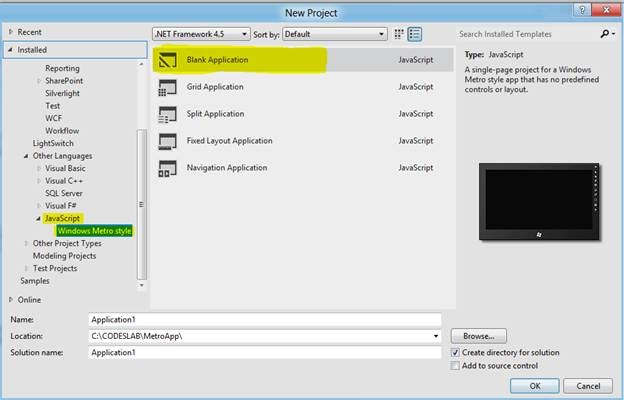
I wanted to create a metro application using HTML and JavaScript so I click on Other Language and then selected a Blank Application from installed template.
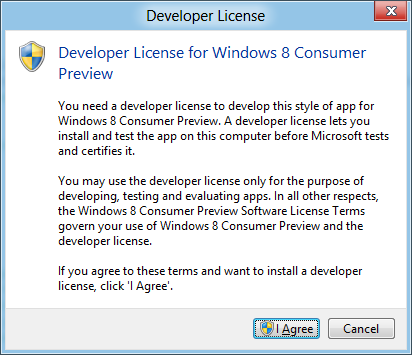
After pressing Ok I got message that I need Developer License for Windows 8 Consumer Preview. Off course I had no choice but to click on I Agree to proceed.
Then it asked me to authenticate.
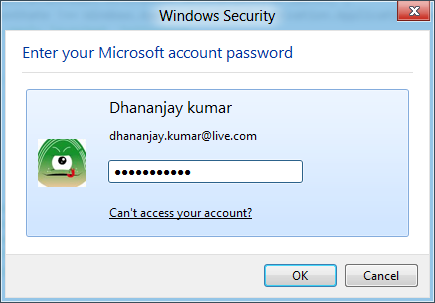
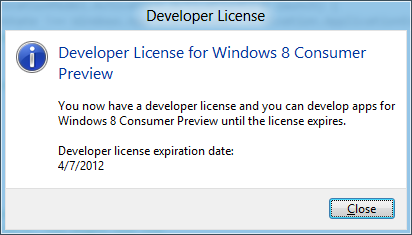
After successful authentication I got message as below that I have developer license and its expiration date also.
In Solution explorer I noticed now WinJS reference files are inside the References folder and there is one X.509 certificate.
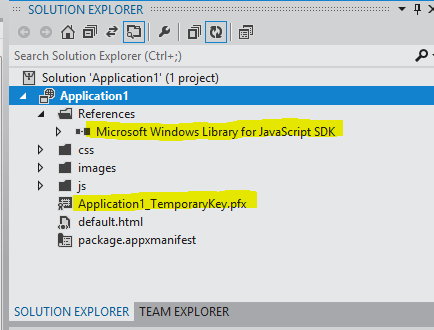
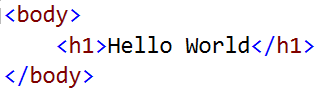
In later post I will investigate and discuss more on why this X.509 certificate is in the solution? Other files were same like default.html, default.js and package.appxmanifest file. I put a Hello World in the body.
Next you need to choose debugging environment. Either you can debug it on Simulator, Local Machine or Remote Machine
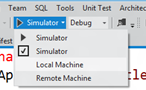
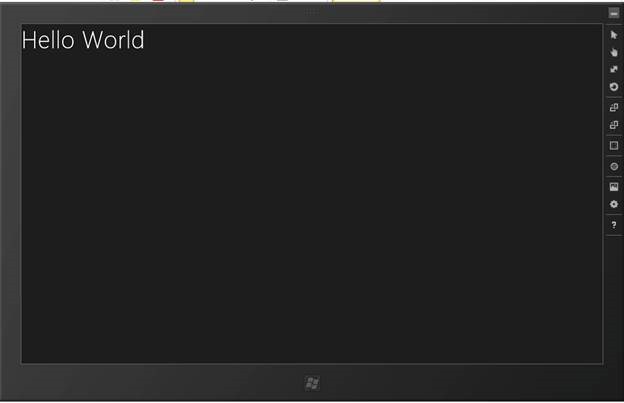
I selected Simulator and got the expected output in simulator as below,
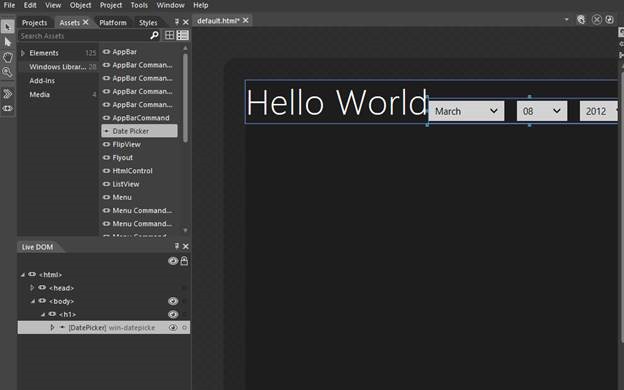
Next I thought to open project in expression blend for that I right clicked on project and selected open in Expression Blend. In Expression Blend for the purpose of exploration, I dragged and dropped a DatePicker control from Asset on the Body of HTML page.
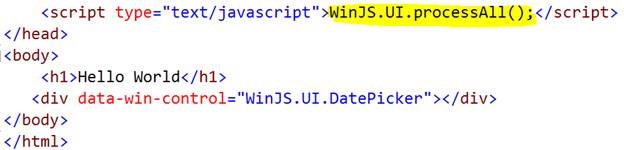
After adding DatePicker control, I noticed blend has added call to WinJS.UI.processAll function to process the controls.
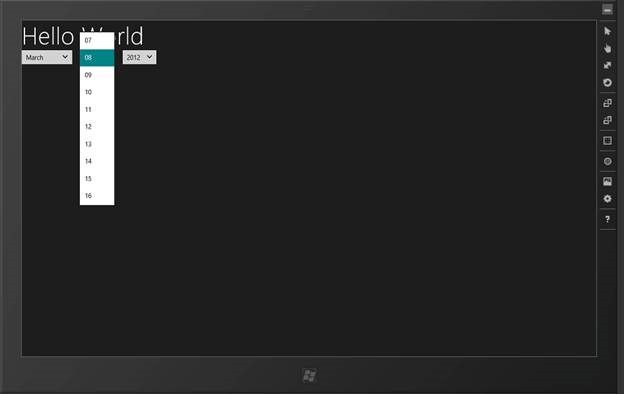
On running I got DatePicker control as below in the simulator. I noticed that WinJS control has taken the default color of color I set for the Windows 8.
In this way we have set Visual Studio 11 to create metro apps. In further post I will get deeper into all other aspects and areas to create Metro Applications for Windows 8. I hope this post was useful. Thanks for reading.
Follow @debug_mode
Discover more from Dhananjay Kumar
Subscribe to get the latest posts sent to your email.
 Dhananjay Kumar
Thank you