In this post I will show you, how you could get Address from contact and Display it.
Expected Output
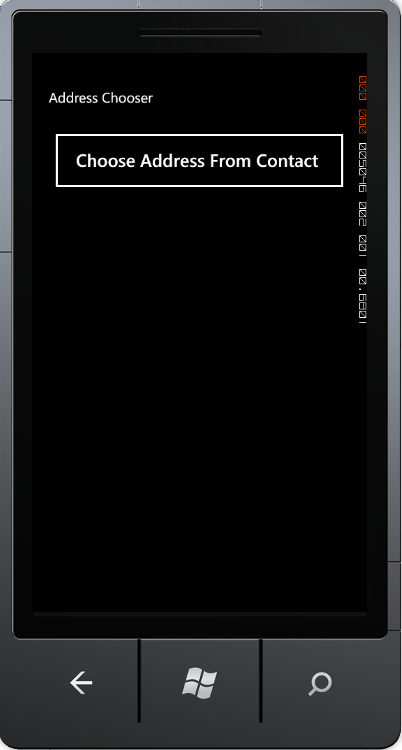
- On running of application you will get a button
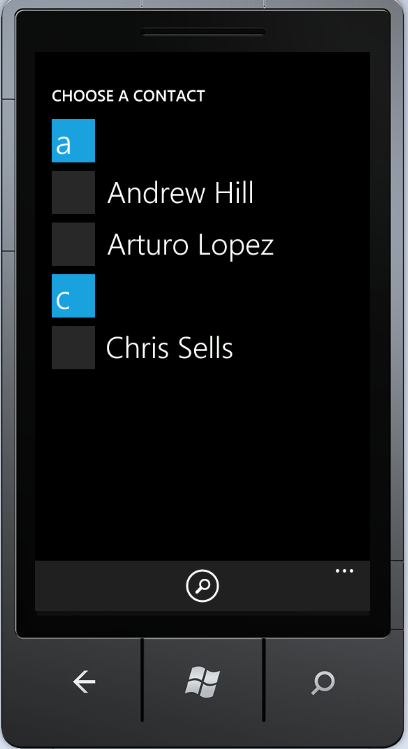
- On click of button Contact list will be open
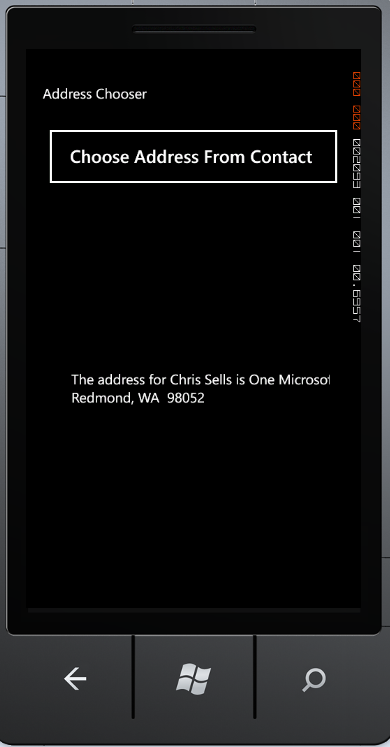
- On selection of a contact . address of that contact will be displayed in label.
Design the page
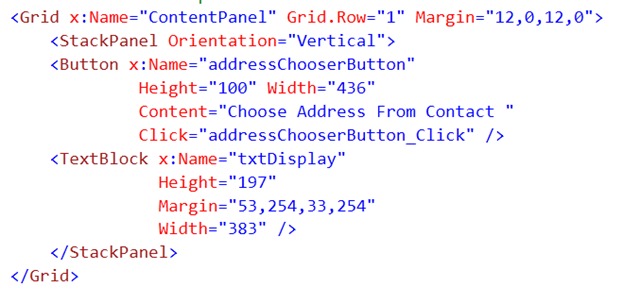
I am going to put a very simple design. Design would have just one button and label.
On click event of the button, contact list would be open and on user selection of a contact, we will display address of that contact in label. We are going to do very simple stuff . Don’t we ? 
Content Grid of MainPage.Xaml would be looking like below,
Write the Code
Add namespace

Globally defined a variable of type AddressChooserTask

In constructor of page create instance of AddressChooserTask and register completed event on that.

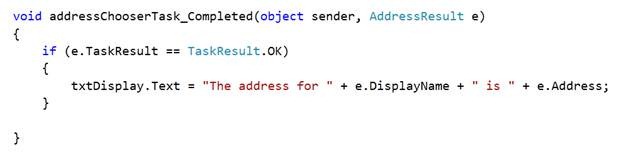
In the event, check whether TaskResult is equal to TaskResult enum OK. If yes then display name and address in label.
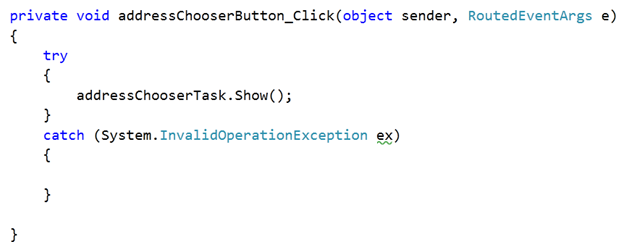
On click event of button, we will show the contact using addressChooserTask.Show
For you reference full source code of code behind is as below,
MainPage.Xaml.cs
using System;
using System.Windows;
using Microsoft.Phone.Controls;
using Microsoft.Phone.Tasks;


namespace AddressChooser
{
    public partial class MainPage : PhoneApplicationPage
    {

        AddressChooserTask addressChooserTask;

        public MainPage()
        {
            InitializeComponent();
            addressChooserTask = new AddressChooserTask();
            addressChooserTask.Completed += new EventHandler<AddressResult>(addressChooserTask_Completed);

        }

        private void addressChooserButton_Click(object sender, RoutedEventArgs e)
        {
            try
            {
                addressChooserTask.Show();
            }
            catch (System.InvalidOperationException ex)
            {

            }

        }

        void addressChooserTask_Completed(object sender, AddressResult e)
        {
            if (e.TaskResult == TaskResult.OK)
            {
                txtDisplay.Text = "The address for " + e.DisplayName + " is " + e.Address;
            }

        }
    }
}
Now when you run phone application you should get the expected output.
I hope this post was useful. Thanks for reading
Follow @debugmode_
Discover more from Dhananjay Kumar
Subscribe to get the latest posts sent to your email.
 Dhananjay Kumar
whts the new thing here? i cn find similr post on net
With all Due respect to you sir , if you search on Google “Get Address from Contact in Windows Phone 7.1” My blog would come as First result .. now what to say ? I write to help people. I don’t try to be unique. Thanks for Reading this post
How should add reference windows.phone.Task;
i am can ‘t able to find AddresschooserTask classs
This requires user interaction for choosing contacts. Is there a way to read contact/calendar from application silently without user interaction?