In this post, we will fetch firewall rules from SQL Azure. Each Database server in SQL Azure is associated with one or more firewall rules. Each firewall rules have,
1. Name
2. Start IP Address
3. End IP Address
Firewall rules can be fetched by querying against Master Database.
To retrieve firewall rules login to SQL Azure portal and open Database Manager for Master database.
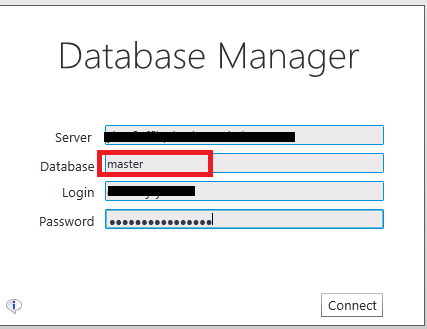
Read here about SQL Azure portal and working with Database Manager
Once, Database manager is open select new query option and execute below select statement.
select name , start_ip_address, end_ip_address FROM sys.FireWall_rules
On successful execution on select statement all firewall rules will get listed as below,
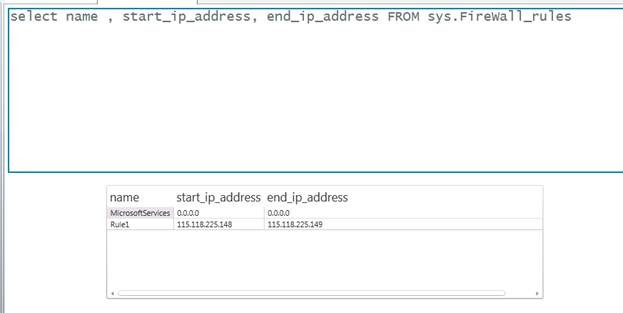
In coming article we will fetch firewall rules programmatically.
Discover more from Dhananjay Kumar
Subscribe to get the latest posts sent to your email.
 Dhananjay Kumar
Amazing issues here. I am very glad to see your post.
Thanks so much and I’m taking a look forward to touch you. Will you kindly drop me a e-mail?