I had a very simple task to edit applicationhost.config file and it took my 2 hrs to get the solution.
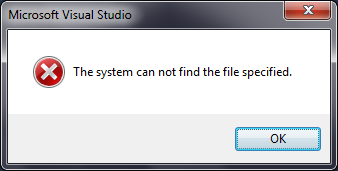
I navigated to folder C:\Windows\System32\inetsrv\config and I found applicationHost.config file. And when I clicked on file to open in Visual Studio, I got the below error
Then I tried
1. Open visual studio in administrator mode
2. Clicked on open file
3. Navigated to folder C:\Windows\System32\inetsrv\config and found applicationHost.config was not available for selection.
This is because applicationHost.config is 64 bit file. And still VS dll is 32 bits.
So now question comes how to edit this file.
1. Open Notepad in elevated mode
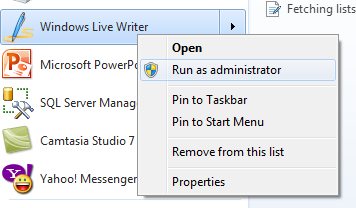
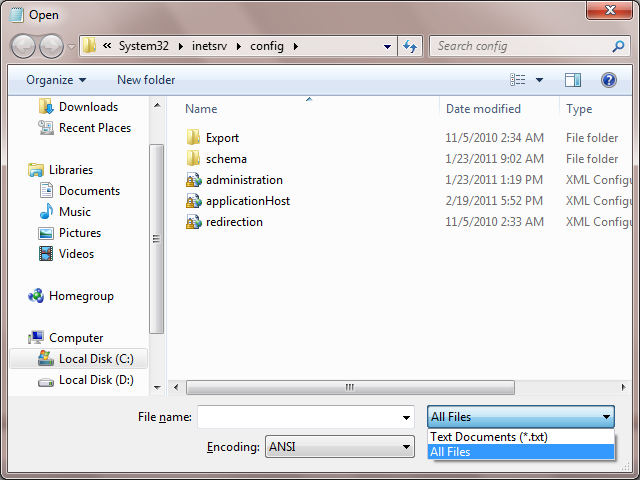
2. Browse to C:\Windows\System32\inetsrv\config . Change file type to all and you would able to see applicationhost for selection. Select and open the file.
Discover more from Dhananjay Kumar
Subscribe to get the latest posts sent to your email.
 Dhananjay Kumar
One thought on “Editing applicationhost.config on 64 bit Windows 7 system”