Objective
In this article, I will show how we could construct URI in three ways.
Method # 1: Creating URI from string
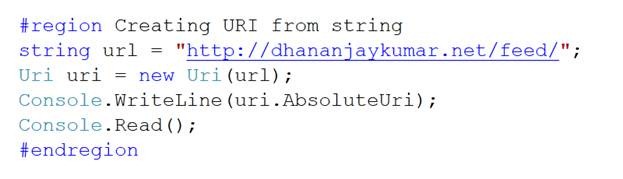
I am passing string in constructor of URI class, to create new URI.
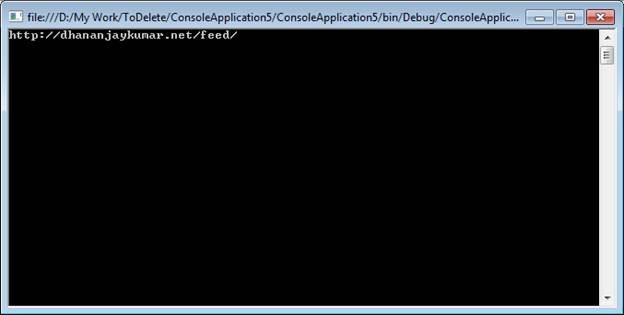
Output
Method #2 New URI from Component Instance
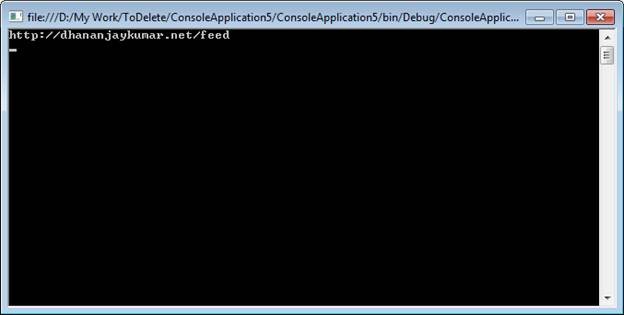
I am here taking host and path individually and then combining them in constructor of Uri class.

Output
Method #3 Creating URI using Try Pattern validation
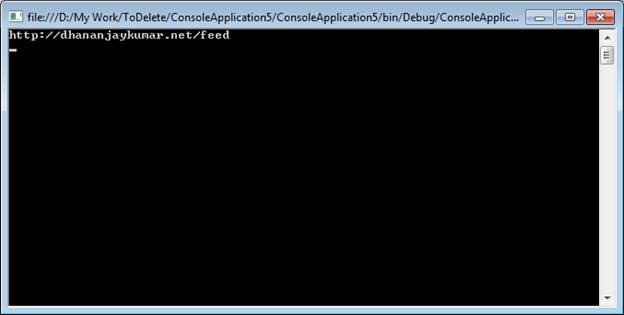
In this , I am showing you how could we use Try Pattern method of URI class to construct an URI.

Output
The full source code for your reference is given below
Program.cs
using System;
using System.Collections.Generic;
using System.Linq;
using System.Text;
using System.Net;
namespace ConsoleApplication5
{
class Program
{
static void Main(string[] args)
{
#region Creating URI from string
string url = “http://dhananjaykumar.net/feed/”;
Uri uri = new Uri(url);
Console.WriteLine(uri.AbsoluteUri);
Console.Read();
#endregion
#region Creating URI from Component Instance
string host = “http://dhananjaykumar.net”;
string path = “/feed”;
Uri uri1 = new Uri(host);
uri1 = new Uri(uri1, path);
Console.WriteLine(uri1.AbsoluteUri);
Console.Read();
#endregion
#region Create New URI Try Pattern Validation
string url = “http://dhananjaykumar.net/feed/”;
Uri uri2;
if(Uri.TryCreate(url,UriKind.Absolute , out uri2))
{
Console.WriteLine(uri2);
}
Console.Read();
#endregion
Console.Read();
}
}
}
Discover more from Dhananjay Kumar
Subscribe to get the latest posts sent to your email.
 Dhananjay Kumar
I see you blog a lot about WCF Data Services and RESTful services.
Check out this new product my company has introduced. Its called SO-Aware.
http://www.tellagostudios.com/products/so-aware%E2%84%A2
The express edition is free.. Try it. We would appreciate any valuable feedback. Also please pass the word to WCF folks you know in India.
Thanks,
Vishal