Very often I see people struggling in setting start page for Windows Phone 7 application. By default MainPage.xaml serve as start page.
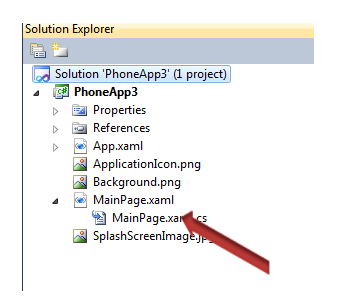
If you have many xaml in phone application you are creating like below,
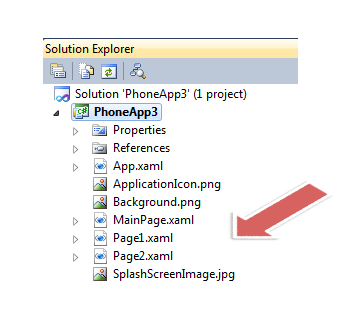
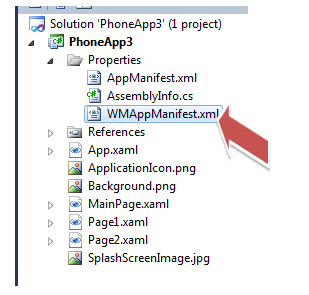
Now you have three xaml in Windows Phone application project. If you want to set Page2.xaml as start page then open files WMAppManifest.xml from Properties folder in solution explorer.
In XML file change the default task Navigation attribute to Page2.xaml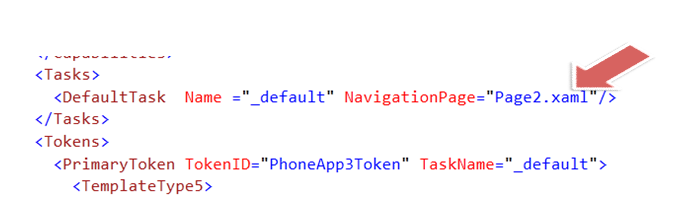
Follow @debug_mode
Discover more from Dhananjay Kumar
Subscribe to get the latest posts sent to your email.
 Dhananjay Kumar
4 thoughts on “Setting the Start page in Windows Phone 7 application”